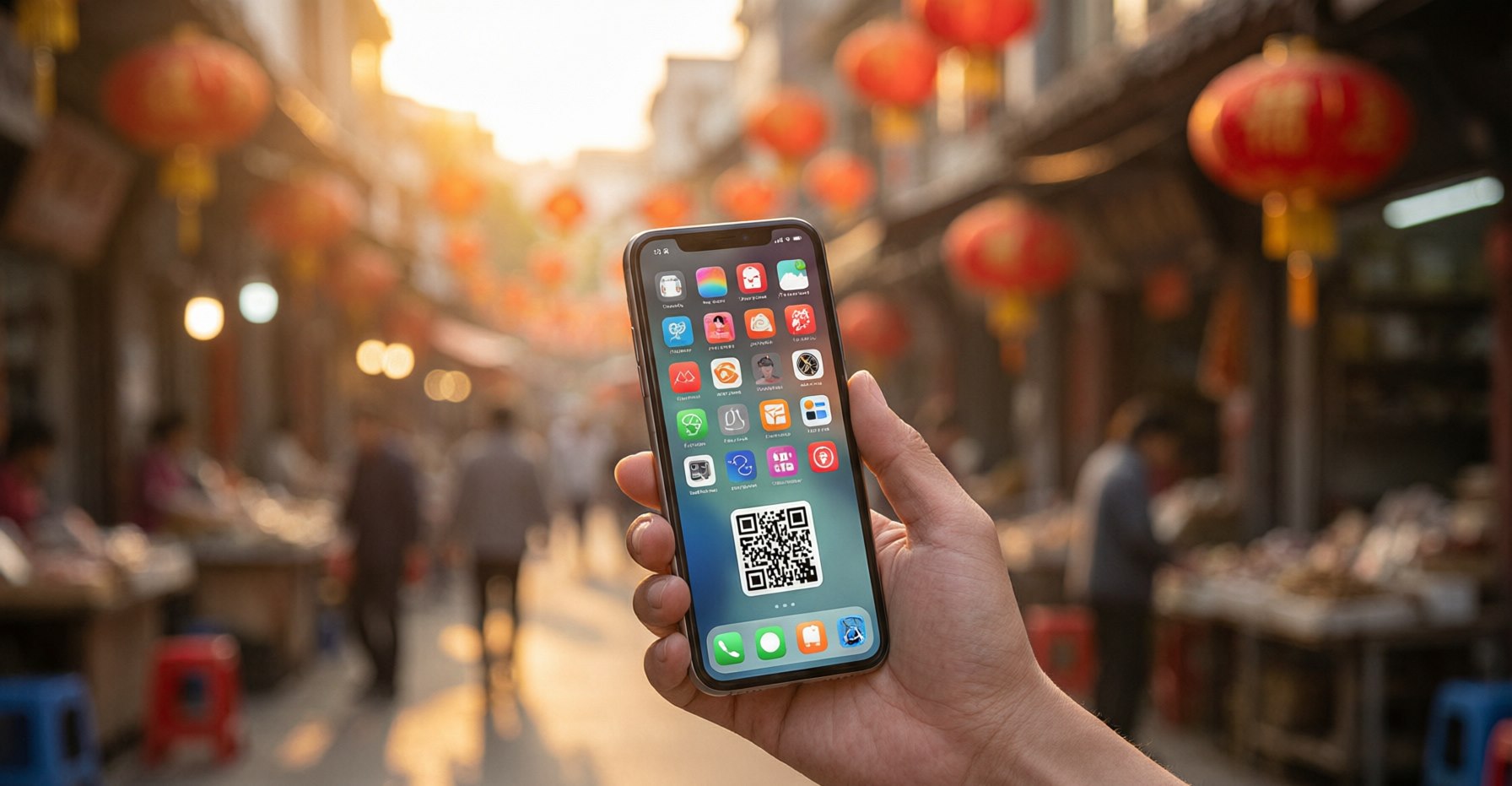
China is a mobile-first society to a degree that makes Silicon Valley look quaint. In the West, apps are conveniences layered on top of a world that still functions without them — you can pay cash, ask a stranger for directions, flag a cab from the curb. In China, the phone is the infrastructure itself. It is your wallet, your map, your taxi dispatcher, your train ticket, your menu, and your primary means of being understood. You literally cannot function optimally without the right apps installed and configured. The good news: the handful of tools you actually need are free, mature, and battle-tested by over a billion daily users. The catch: most of them resist last-minute setup, and several require verification steps that only work smoothly on home soil. So install and configure everything before departure. Treat this list as seriously as your passport — because in China, your phone is nearly as important.
WeChat (微信): The App That Runs Everything
WeChat (Wēixìn, 微信) is not, as Western travelers often assume, "Chinese WhatsApp." That description captures perhaps a tenth of what it does. WeChat is how Chinese people pay for things, book services, read the news, hail taxis, order food, make appointments, and conduct essentially all of their daily communication. It is a messaging app, a social network, a payments platform, and a gateway to millions of "mini-programs" — lightweight apps that run inside WeChat without a separate download. For a visitor, even a basic WeChat account unlocks a surprising amount of the country.
Set up your account before you arrive. Registration has a well-known friction point: new sign-ups typically require verification from an existing WeChat user, ideally one who has held an account in good standing for a while. If you have any friend or colleague already on WeChat, ask them to scan your QR code or confirm your registration before you fly. In-app verification options exist and have eased over time, but they can be inconsistent by region, so do not leave this to the airport gate. Once registered, link a bank card if you can. If that proves difficult — foreign card linking has historically been temperamental — do not worry; Alipay will carry most of your payment needs, and WeChat still serves brilliantly for communication and translation.
The built-in translator is a quiet lifesaver. Long-press any Chinese message in a chat and tap "Translate," and WeChat renders it into English (or your chosen language) in place. It is not literary perfection, but for coordinating a meetup, confirming a hotel detail, or understanding what a vendor just texted you, it is fast and good enough. Pair it with voice messages and you can hold a functional back-and-forth with someone who shares no language with you at all.
Alipay (支付宝): Your Primary Way to Pay
If WeChat is the social and communication backbone, Alipay (Zhīfùbǎo, 支付宝) is the financial one. This is the tool you will reach for dozens of times a day. Scan a QR code to pay at restaurants, shops, and street vendors — even temple donation boxes and buskers display them. The same app generates the transit codes that open metro gates, unlocks shared bicycles, and settles the occasional utility bill. Cash is not refused by law, but in practice it has become so rare that many vendors have no change and some younger staff have never handled it.
The big recent improvement: direct foreign card linking. Foreign visitors can now link international Visa and Mastercard cards directly to Alipay, a significant change that removes the old workaround of hunting for a Chinese bank account or a prepaid tour card. Set this up before you land. Verify that a small test transaction goes through, confirm your identity documents are accepted, and make sure your home bank knows you will be transacting in China so it does not flag the first purchase as fraud. With Alipay configured, you can step off the plane, buy a coffee, and ride the airport express without ever touching cash.
Practical advice: Carry a small amount of cash anyway — a few hundred RMB in small denominations. It is your fallback when a phone dies, a QR scanner glitches, or you meet the rare vendor who only takes coins. In China, cash is the spare tire you hope never to use but never leave home without.
Baidu Maps (百度地图): The Most Accurate Way to Navigate
Google Maps does not work in China — it is blocked, and its mapping data for Chinese cities is inaccurate regardless. The local champion is Baidu Maps (Bǎidù Dìtú, 百度地图), and for sheer accuracy of map data, transit routing, and points of interest, it is the best tool in the country. It handles walking directions, multi-leg metro and bus routing, restaurant search, and even integrated taxi hailing, all with data that reflects the real, fast-changing layout of Chinese streets.
The interface is Chinese-only, but you can learn it fast. Baidu Maps will not switch to English, which intimidates first-timers more than it should. The reality is that navigation is largely icon-driven. Learn a handful of key symbols — the metro logo, the bus icon, the walking figure for pedestrian routing — and you can plot most journeys without reading a word. Type or paste a Chinese address (which you will have saved in advance, see below) and the app does the rest. For iPhone users who want a fully English experience, Apple Maps works well in China and is a reasonable alternative, though its data is occasionally a step behind Baidu's for transit detail.
Trip.com: Book Trains, Flights, and Hotels in English
Trip.com is the international arm of Ctrip (Xiéchéng, 携程), China's dominant travel booking platform, and it is the single most useful booking tool for a foreign visitor. It lets you reserve high-speed trains, domestic flights, and hotels entirely in English, accepts foreign credit cards, and — crucially — provides English-language customer service. That last point matters more than it sounds.
Let Trip.com absorb the passport headaches. The official rail system, 12306, is where Chinese citizens book trains, and while it now offers an English app, first-time foreign passport verification can stall for a day or two and the interface remains clunky. Unless you have mastered 12306 and verified your passport ahead of time, book trains through Trip.com. It charges a modest service fee per ticket, but it handles identity verification smoothly, shows real-time availability, and gives you someone to call in English when a schedule changes or a refund is needed. For flights and hotels the same logic applies: one familiar, English-speaking platform beats wrestling with a dozen Chinese-only apps.
Pleco: The Dictionary You Will Actually Use
Pleco is, without serious competition, the definitive Chinese-English dictionary app. The free tier alone is excellent — comprehensive definitions, example sentences, and audio pronunciations that will carry you through almost any everyday situation. For trips that go beyond the surface, the paid add-ons are genuinely worth the money: OCR camera translation that reads menus and signs through your lens, spaced-repetition flashcards if you are studying, and handwriting recognition that lets you draw a character you have seen but cannot pronounce.
It works completely offline. This is the feature that earns Pleco a permanent place on your phone. Download the dictionary files before you travel and it functions with zero signal — in a subway tunnel, on a mountain trail, in the dead zone of an old hotel. When data fails, Pleco still answers the question "what does this character mean?" instantly.
DiDi (滴滴出行): Ride-Hailing Without the Language Barrier
DiDi (Dīdī Chūxíng, 滴滴出行) is China's ride-hailing giant — the functional equivalent of Uber, but woven far more deeply into daily life. It operates in hundreds of cities, offers a clean English interface, and lets you link payment in advance so a ride never ends in a fumbled cash transaction. You type your destination in English, the driver sees it rendered in Chinese on their screen, and the language problem simply evaporates. Pricing is transparent and shown before you confirm.
Beyond rides. DiDi can also handle food delivery, though that market is dominated by Meituan (Měituán, 美团) and Ele.me (Èle.me, 饿了么), both of which run Chinese-only interfaces and are harder for a short-term visitor to navigate. For most travelers, DiDi for transport is the sweet spot; leave the delivery apps for a longer stay.
Setting Up Payments as a Foreigner
The payment question is the one that worries first-time visitors most, so it deserves its own walkthrough. Start with Alipay as your primary tool: download it, complete identity verification with your passport, and link an international Visa or Mastercard. Run a small test purchase at home if your bank allows it, and notify the bank of your travel dates. Add WeChat Pay as a secondary channel if you can link a card there too — having two working payment apps means a single glitch never strands you. Keep a reserve of cash in small bills for the rare offline moment. With that trio in place, you will be able to pay virtually everywhere in China, from a five-star hotel to a two-yuan scallion pancake from a street cart.
A Minimal Three-App Shortcut
Not everyone wants a full digital arsenal, and that is fine. If you want the absolute essentials and nothing more, install these three: Alipay, so you can pay for everything and ride the metro; Baidu Maps (or Apple Maps on iPhone), so you can navigate; and Trip.com, so you can book trains, flights, and hotels in English. That combination covers money, movement, and lodging — the three problems that actually stop a traveler cold. Add Pleco if you expect to read any Chinese at all, and WeChat if you will communicate with locals or want on-tap translation. But if your bag of apps holds only three, make them those three.
Final tip: Screenshot everything important before you leave WiFi — your hotel address in Chinese, your return flight confirmation, your train booking number, your emergency contacts. Standing on a street corner at 11 PM with a dying phone and no data, a screenshot in your camera roll is worth more than any app.